VP3 Home Server v4.0

Your Computer
is the Cloud.

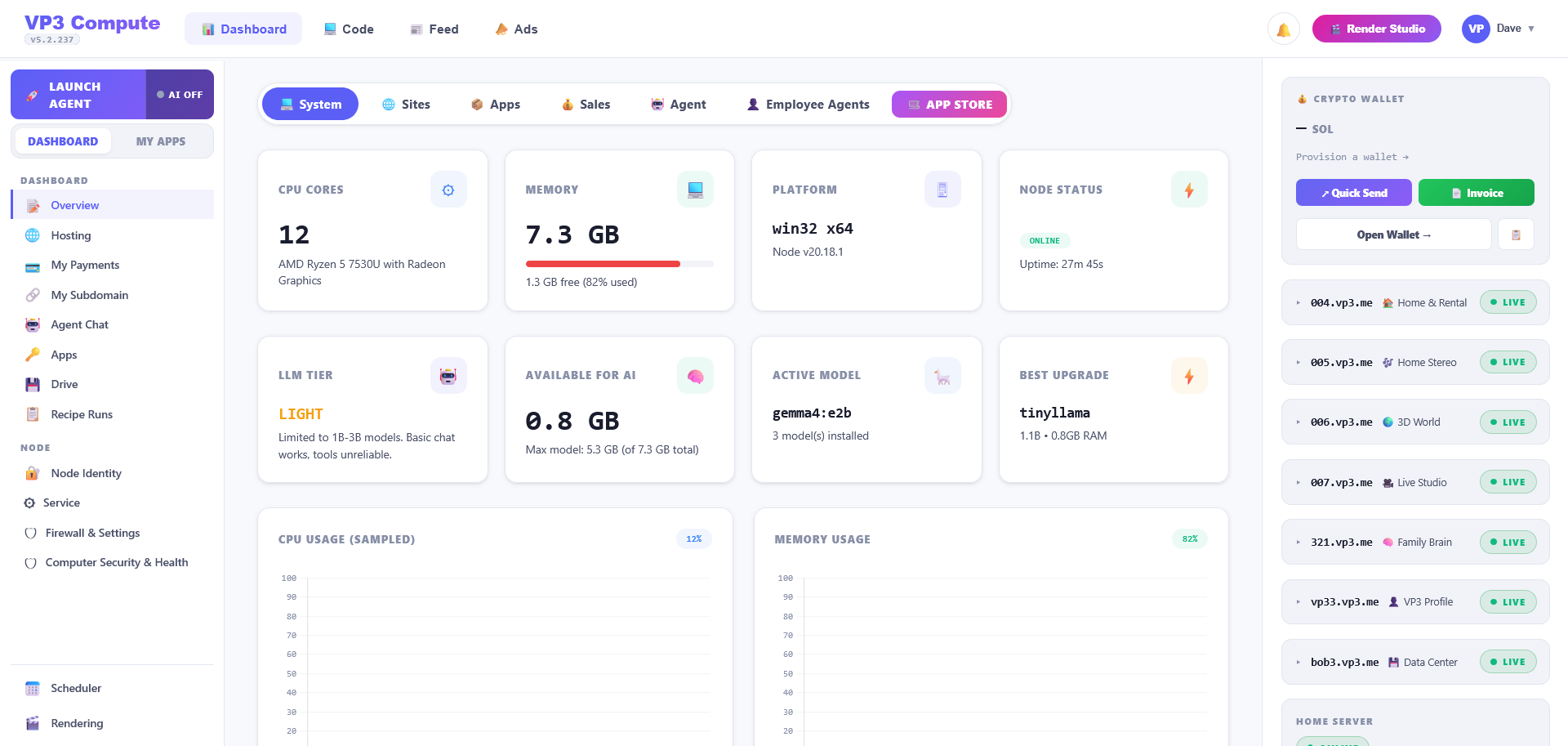
VP3 Home Server turns your machine into a powerful compute node. Local AI inference, video rendering, brain sync, and 25 modules — all running on your hardware, connected to the VP3 network.

How It All Connects
Your Home Node runs on your computer and connects to the VP3 cloud via secure WebSocket. Jobs flow down, results flow up. Your data stays local.
VP3 Cortex Node Architecture — Data Flow
VP3 CLOUD PLATFORM Social Network + Commerce + AI Routing api/vp3/ endpoints — MySQL — OB1 Agent CHAT API TASK QUEUE RENDER API WSS :3077 CORTEX HOME NODE Your Computer — Node.js server.js :3077 Brain brain.js Renderer renderer.js Ollama ollama.js Scheduler scheduler.js Plugins plugins.js Whisper Claude Workflows Backups GitHub OLLAMA LLM Local AI Inference localhost:11434 REMOTION ENGINE Video Rendering Pipeline compositions/ → ~/.vp3/renders/ LOCAL STORAGE Brain Data + Renders ~/.vp3/brain/ logs/ BROWSER UI Dashboard + Compute localhost:3077 Request Response Data Sync Render Job Local Connection WebSocket (Encrypted)
Everything Running on Your Machine
Every module runs locally on your hardware. No external servers required for core functionality. Optional modules can be installed with one click from the dashboard.
🧠
Brain Sync
Core
🗃
Local Database
Core
📅
Scheduler
Core
🔐
Node Identity
Core
💾
Backup Manager
Core
☁️
Cloud Auto-Sync
Core
🦙
Ollama (Local AI)
AI
🤖
Claude Proxy
AI
🌙
Kimi / Moonshot
AI
🧰
Personal LLM
AI
❄️
Snowflake Cortex
AI
🎤
Whisper STT
AI
🎨
Stable Diffusion
AI
👀
Face Recognition
AI
👤
Avatar Enhancer
AI
🎬
Remotion Renderer
Media
🎴
Render Assets
Media
🔌
Plugin Pipeline
Automation
⚙️
Workflow Engine
Automation
🔃
Update Manager
Automation
🌐
Tunnel Manager
Network
📧
Email Module
Productivity
🐙
GitHub
Dev
💿
Kunaki (Disc Mfg)
Commerce
💻
Scraper / Spider
Dev
What Your Home Server Can Do
Every Cortex Home Node is a full-stack compute engine running on your own hardware. No monthly fees for core features.
🧠
Local AI Inference (Ollama)
Run LLMs on your GPU — Llama, Mistral, CodeLlama, and more. Free, private, no API costs. OB1 routes here first before any cloud fallback.
🤖
Claude Proxy
When local AI can't handle a request, OB1 falls back to Claude via encrypted proxy. Source badge shows which AI answered in chat.
🎬
Video Rendering (Remotion)
Server-side video generation — social clips, audio visualizers, title cards. Rendered locally on your GPU with real-time progress tracking.
🔄
Brain Sync
Your personal knowledge base syncs between cloud and local. Memories, preferences, learned patterns — all stored in ~/.vp3/brain/.
🎤
Whisper Speech-to-Text
Local speech transcription. Voice commands and audio transcribed on your hardware — no audio sent to external servers.
🎨
Stable Diffusion
AI image generation from text prompts. Connect to AUTOMATIC1111 or ComfyUI running on your GPU for local image creation.
👤
Avatar Enhancer (LAM)
Tier 3 avatar generation — takes your rig spec and generates AI-enhanced nano sheets per body zone via local Stable Diffusion.
👀
Face Recognition
Local face detection via TensorFlow.js. Tag photos, verify identity, and match avatar references — all on your machine.
🌐
Tunnel Manager
Expose your home server to the internet via ngrok or Cloudflare. Quick tunnels (free, no account) or named tunnels for stable URLs.
🔌
Plugin Pipeline + Store
Extensible architecture with sandboxed plugins. Browse the built-in plugin store or import your own custom automation scripts.
⚙️
Workflow Engine
Multi-step automation workflows. Chain AI calls, file operations, and API requests into repeatable sequences.
📧
Email Module
IMAP/SMTP inbox — read, search, and AI-summarize email locally. Your mail stays on your machine, processed by your AI.
Complete Data Flow
From user request to rendered output — every step of the compute pipeline.
1
User Command"Render a social clip for my new track"
2
OB1 RoutesAI agent identifies render intent, calls Cortex API
3
WebSocket DispatchVP3 cloud sends job to your Home Node
4
Local RenderRemotion processes on your hardware (GPU/CPU)
5
Result UploadFinished video pushed back through WebSocket
6
DeliveredUser gets their rendered video in chat
Hardened By Default
Three rounds of security audits. Your data never leaves your machine unless you explicitly sync it.
AES-256-GCM Config Encryption
API keys, tokens, and secrets encrypted at rest with a machine-local key. Config file is unreadable without your hardware.
Ed25519 Node Identity
Each server generates a unique keypair. Cloud verifies identity via cryptographic challenge-response. No shared secrets.
WebSocket Auth Tokens
Auto-generated 256-bit auth token. Timing-safe comparison prevents side-channel attacks. Required for all non-localhost API calls.
Rate Limiting (60 req/min)
Sliding window rate limiter per IP. Tunnel-aware — uses X-Forwarded-For when behind ngrok/Cloudflare.
Security Headers
X-Content-Type-Options, X-Frame-Options (DENY), X-XSS-Protection, strict Referrer-Policy on every HTTP response.
Local-First Trust Model
Localhost always trusted. Remote requests require Bearer token. Public routes explicitly whitelisted. Your data, your rules.
Up and Running in 3 Steps
No technical knowledge required. Download, extract, double-click. The installer handles everything automatically.
1
Install Node.js
Download and install Node.js 18+ from nodejs.org. The VP3 installer will check this for you and open the download page if needed.
https://nodejs.org/en/download/
2
Download & Extract
Download the VP3 Home Server zip. Extract it anywhere — your desktop, downloads folder, wherever. The installer auto-copies to C:\vp3-home for you.
3
Double-Click to Start
Open the extracted folder and double-click VP3 Home Server.bat. It installs dependencies, configures everything, and launches. Your dashboard opens at localhost:3077.
Ready to Run Your Own Cloud?

Free. Open source. No API keys required for core features. Install Ollama for free local AI with zero API costs.

Windows • Requires Node.js 18+ • ~270KB download